How do I view a ticket?
DownloadThis guide explains how to quickly view a ticket for a patient.
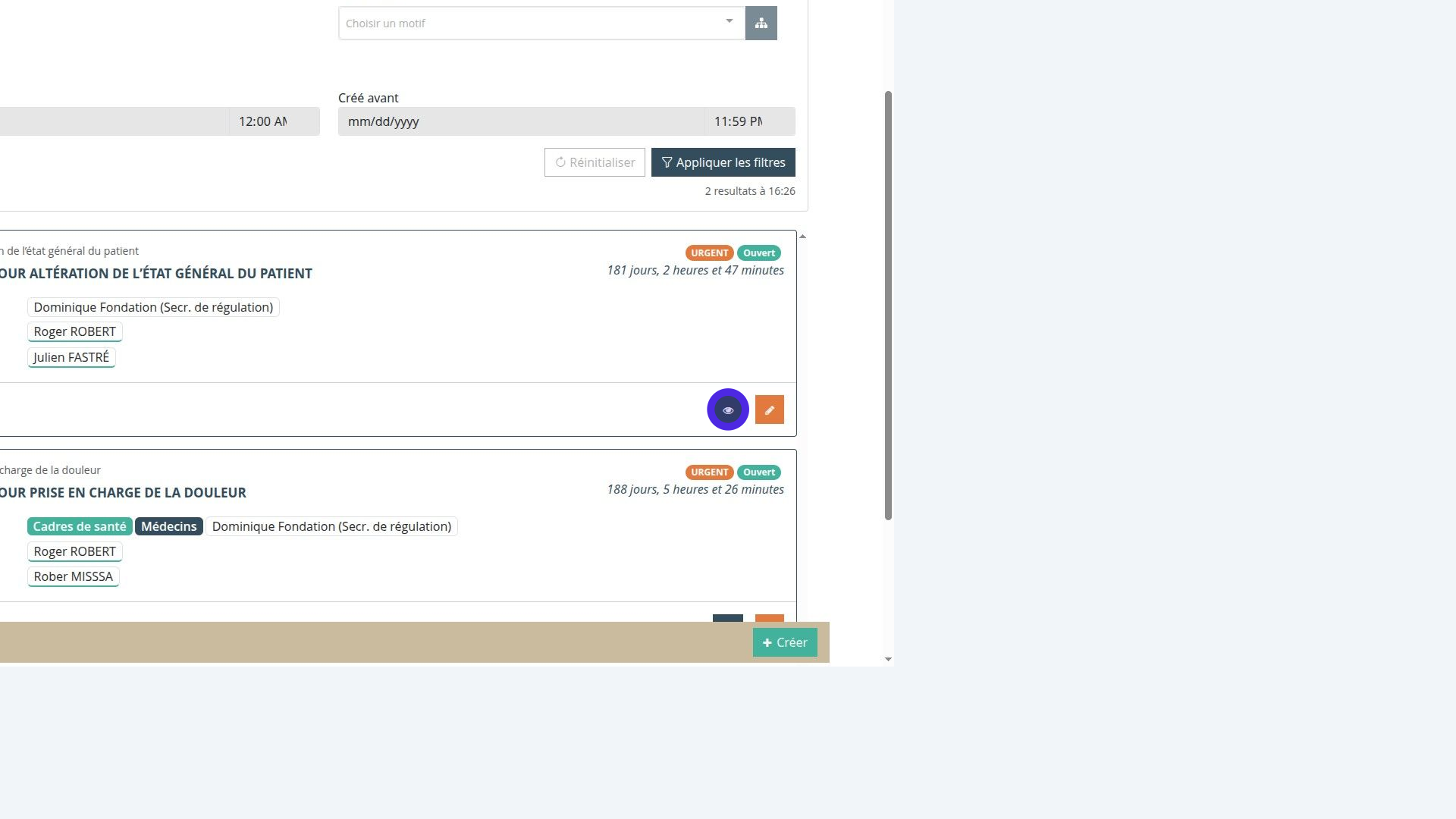
Viewing a ticket
To view a ticket, you can open it from your “my tickets” tab or from the “tickets” sub-section, using the blue eye icon.
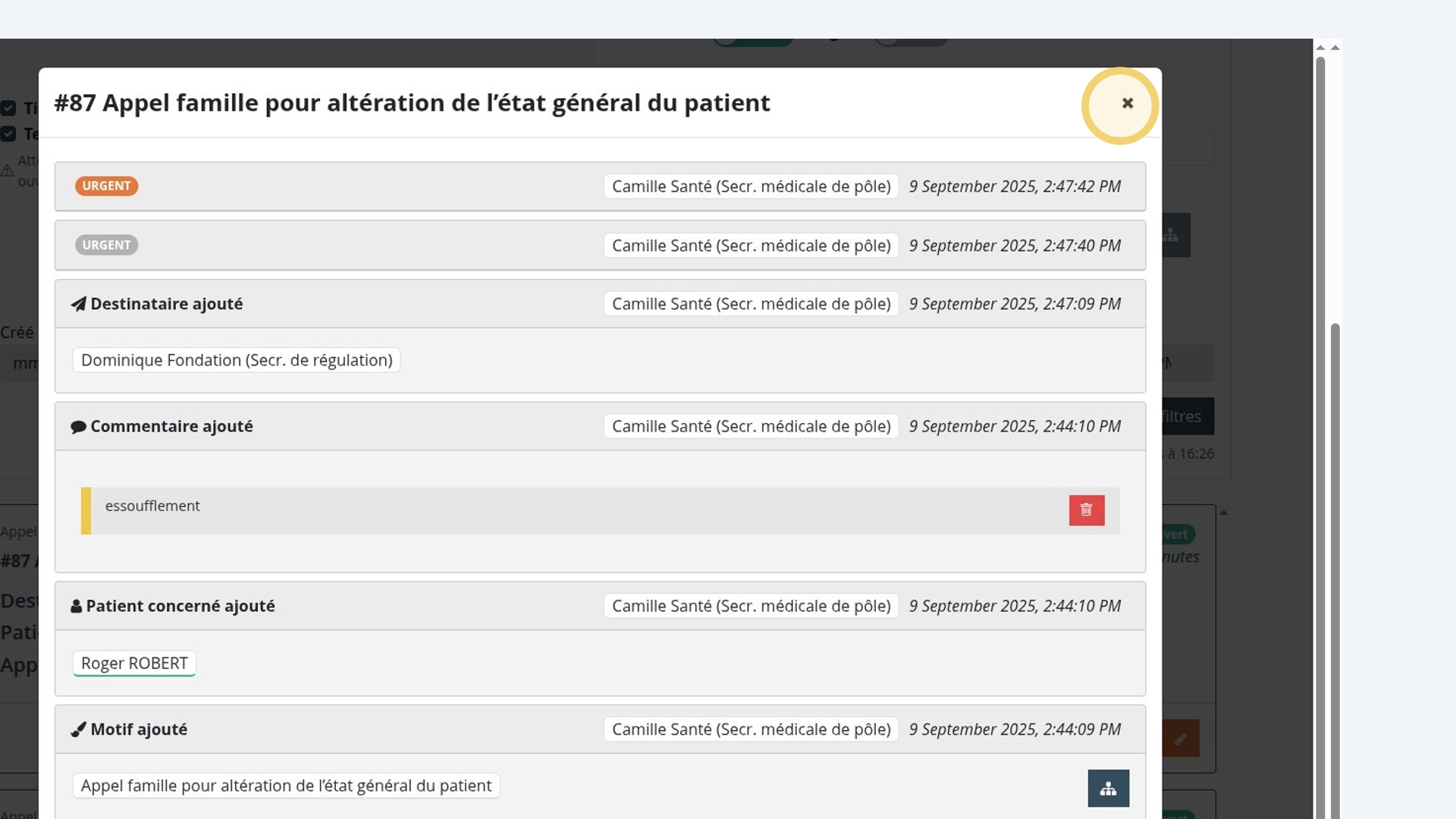
Opening a ticket
Clicking the eye icon gives you a quick overview of the ticket and lets you edit some of its details.
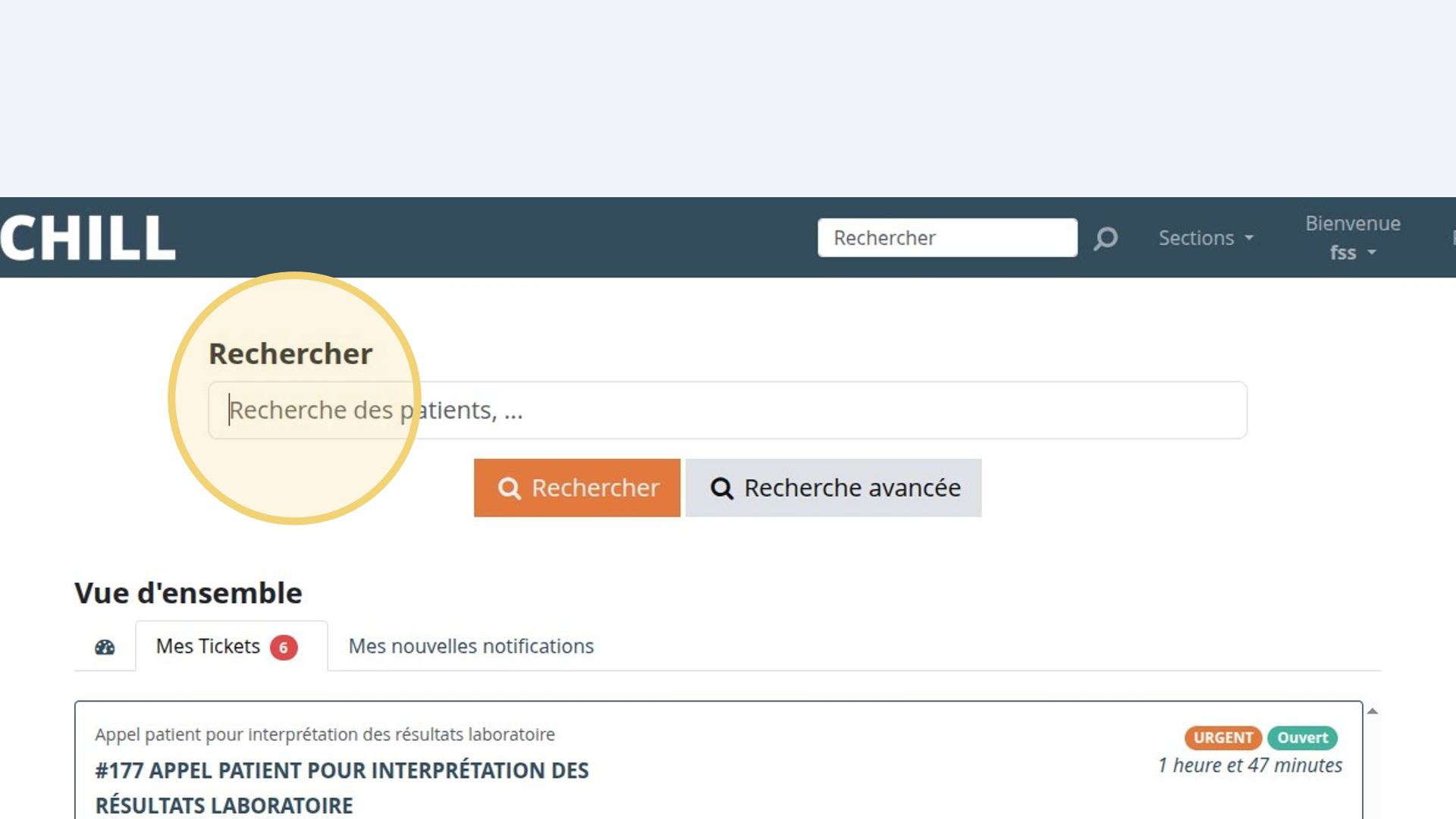
Finding a ticket through the “patient” search bar
You can also reach a ticket through the “patient” record. Search for the patient by typing their name in the search bar on the home page.
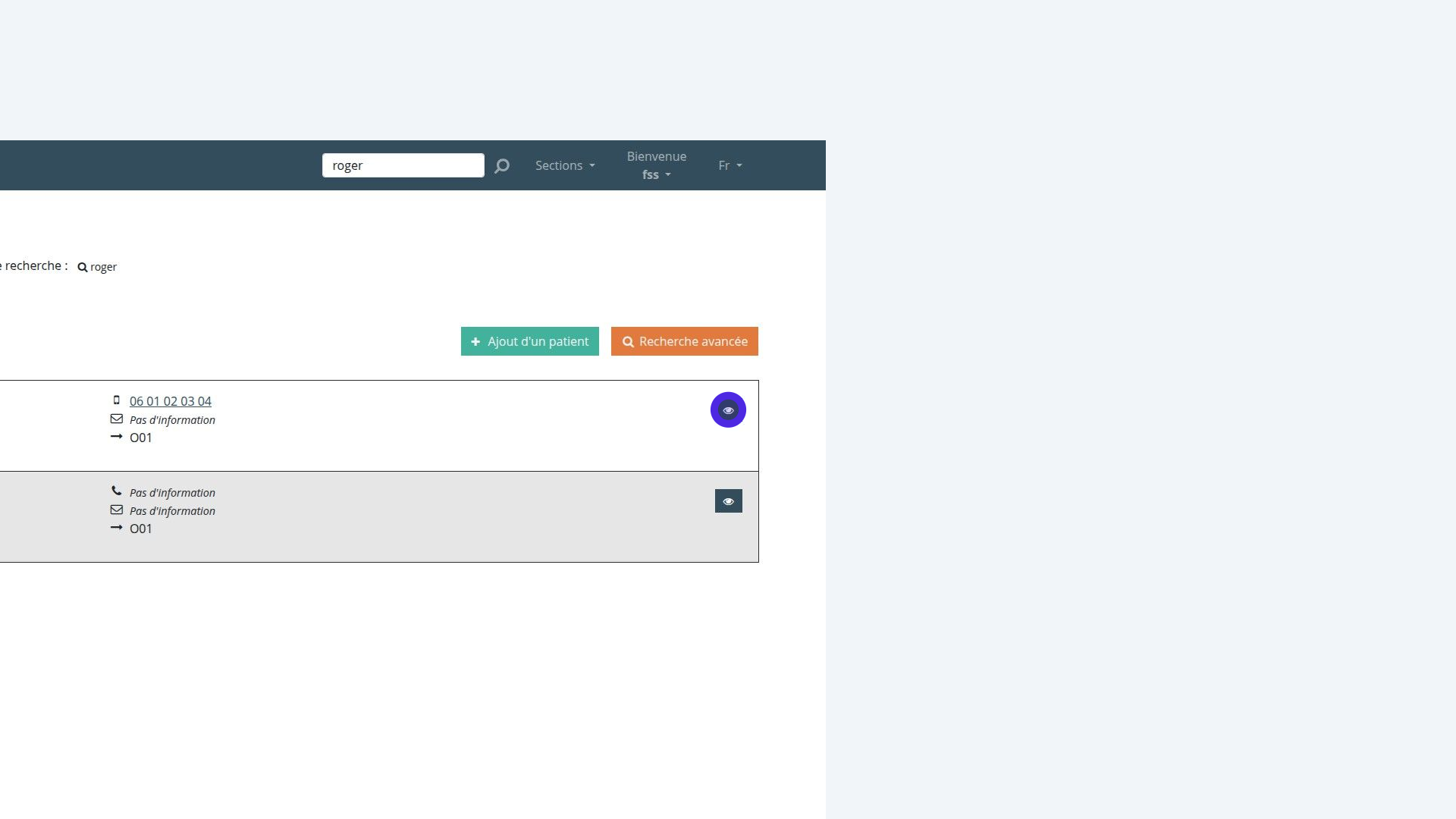
Finding and opening the “patient” record
Open the patient record using the blue eye icon.
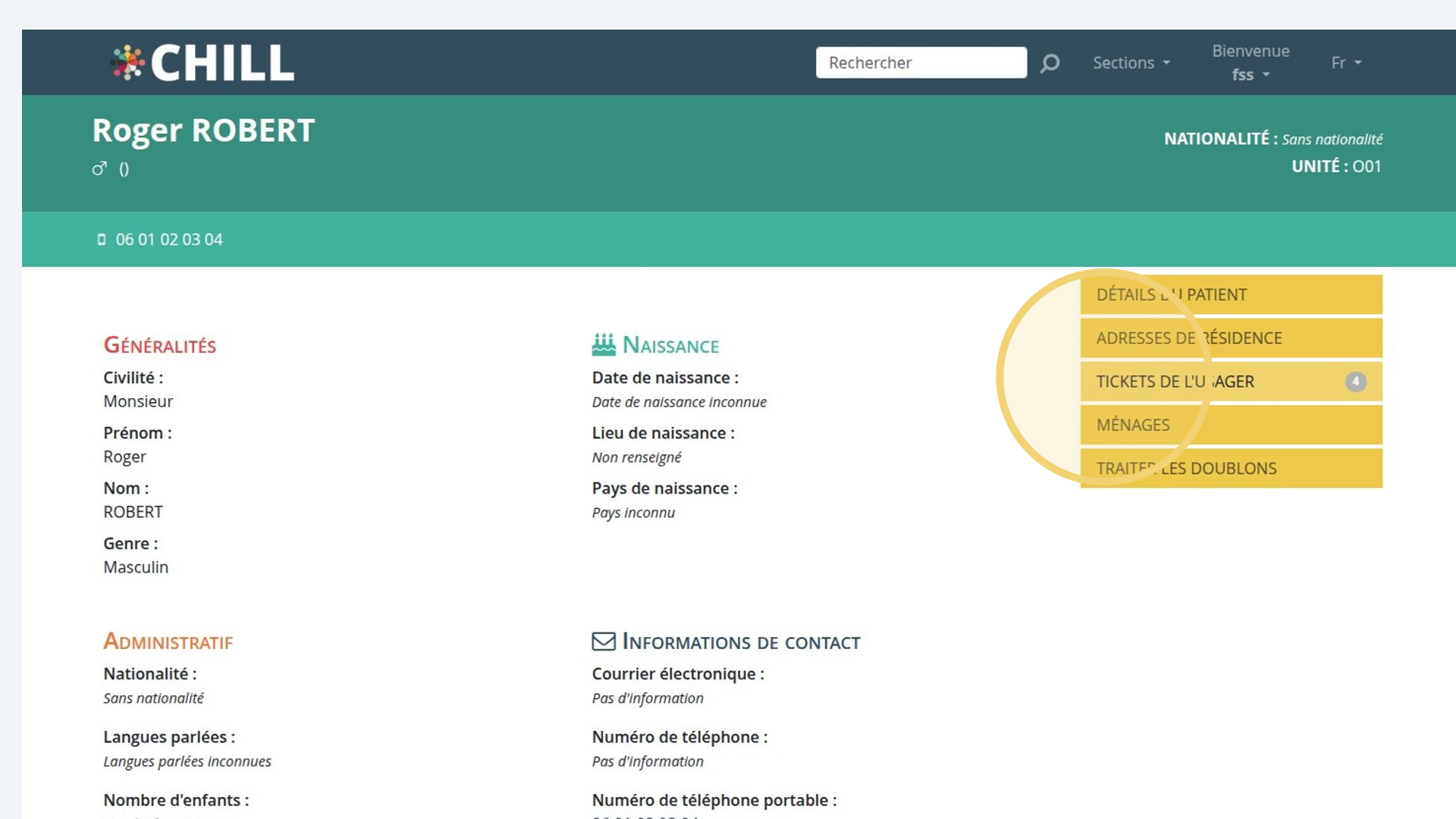
Reaching the service user’s tickets
Click the “service user’s tickets” tab to see their tickets.
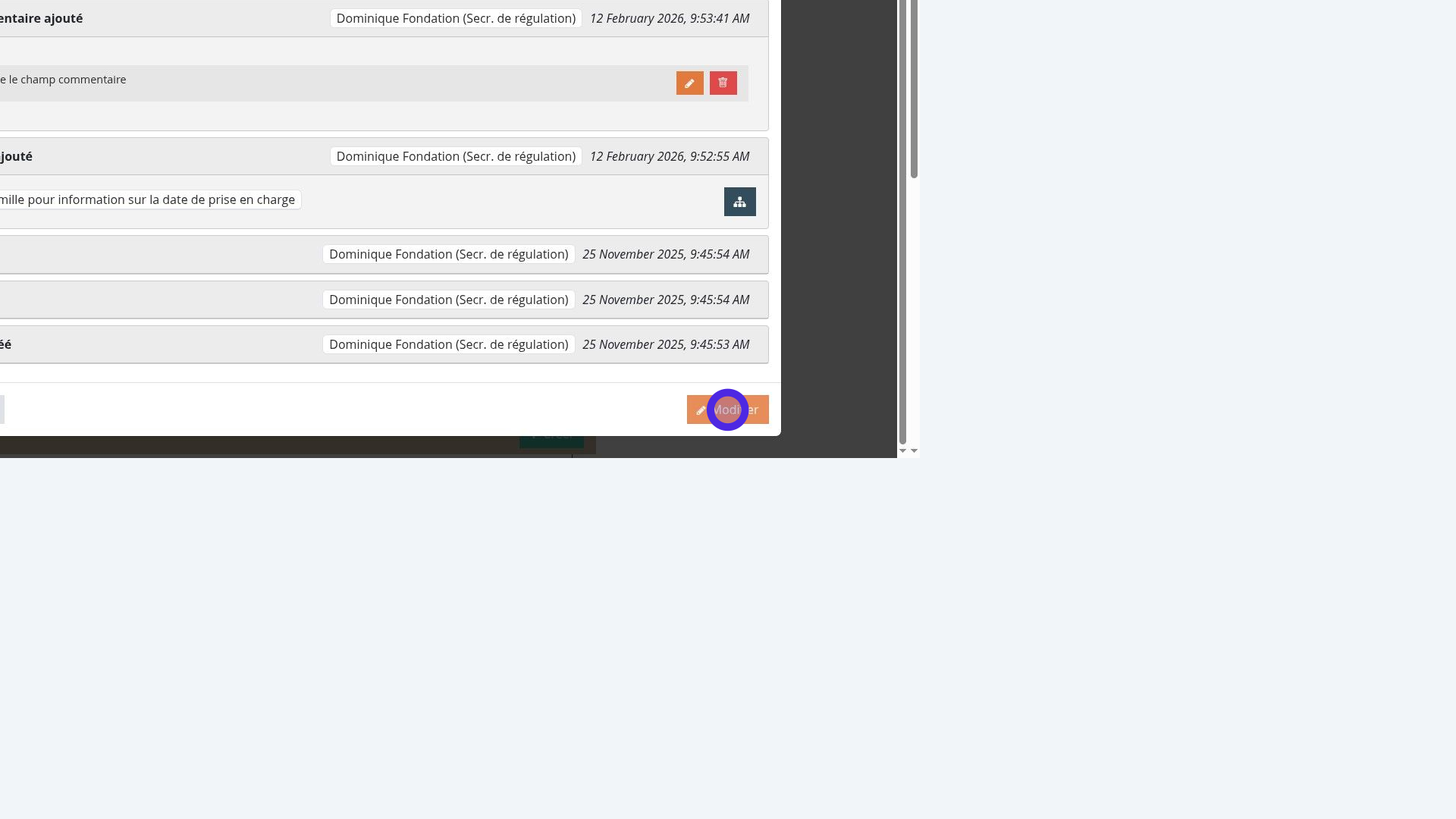
Seeing a patient’s previous tickets
To see a patient’s previous tickets, click “edit” and then “previous tickets”.
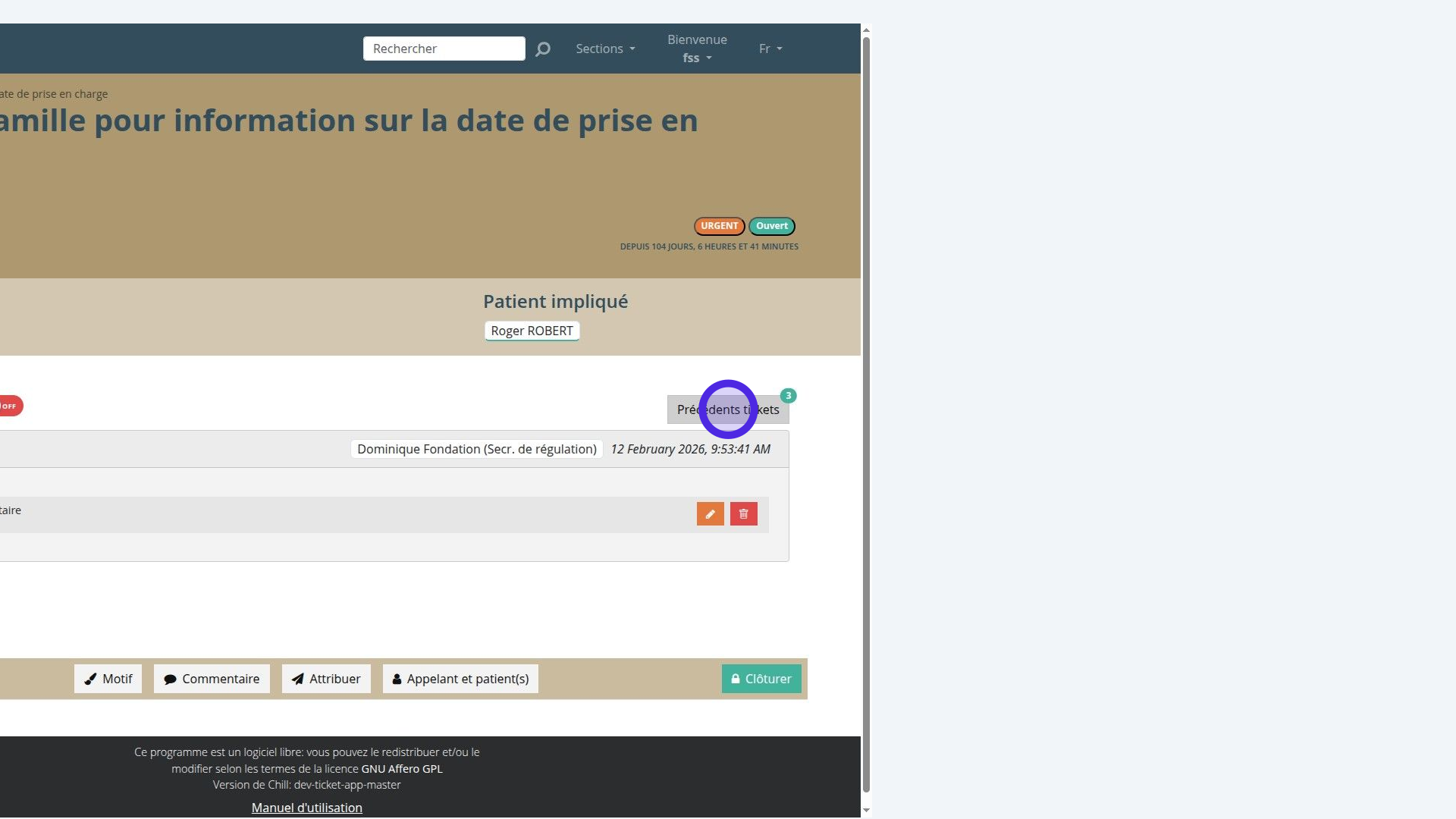
Viewing previous tickets
The “previous tickets” button shows the number of tickets relating to this patient.
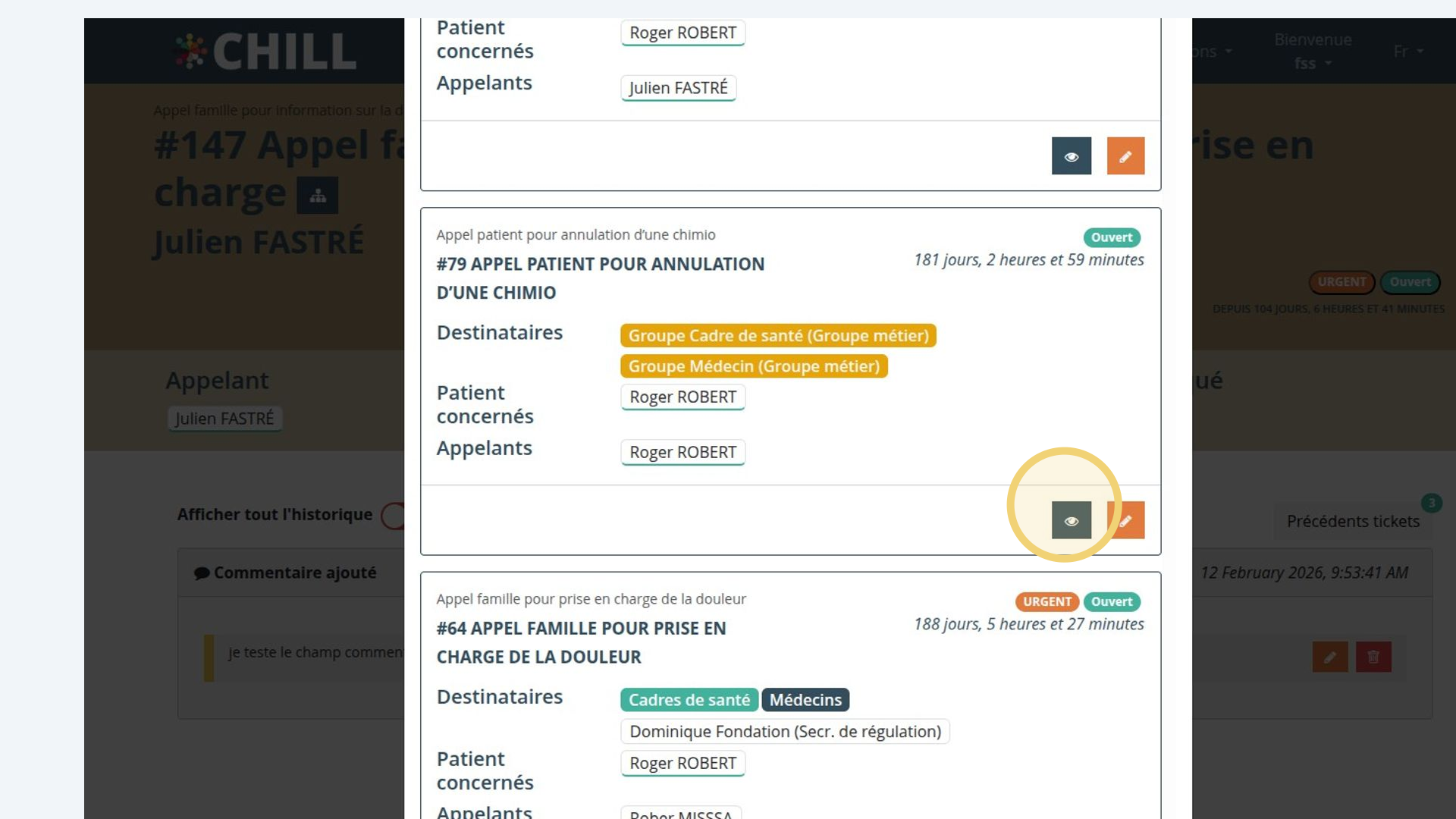
Moving from one ticket to another
After clicking “previous tickets”, you can see the patient’s other tickets and browse and open their details.